How to instantly trigger Make scenario on row created event from Airtable free plan
🗒️Task:
This is a workaround since there is no straight forward way to trigger a Make scenario instantly on row created event on a free plan. On paid plan you can run script or use mailhook to address which is not one of the collaborators address.
🛠️Prerequisites (if applicable):
- Gmail
📝Instructions:
- Create mailhook in make and copy address
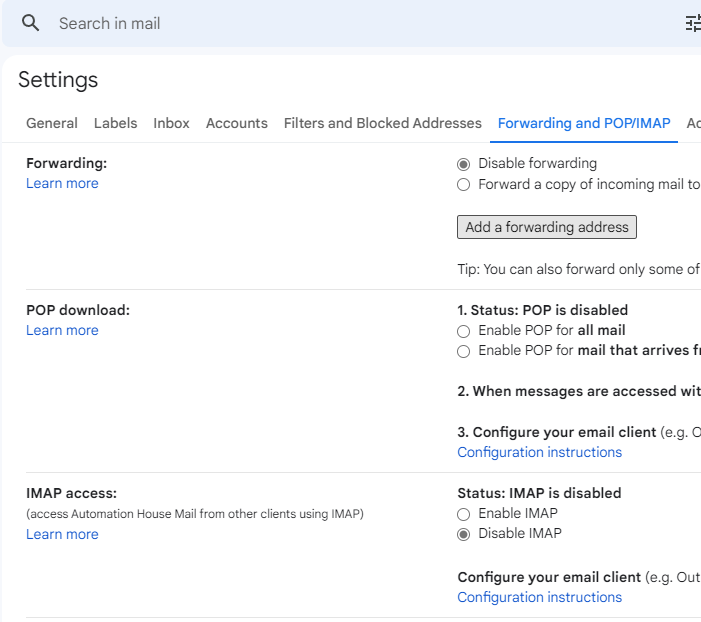
- Add a forwarding address Settings - Gmail (google.com) click button Add a forwarding address
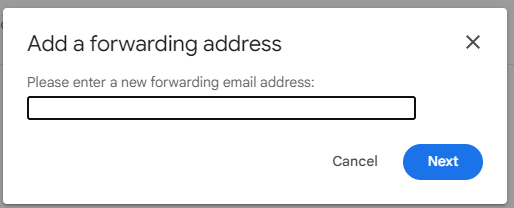
- Enter address copied in step 1 and click Next
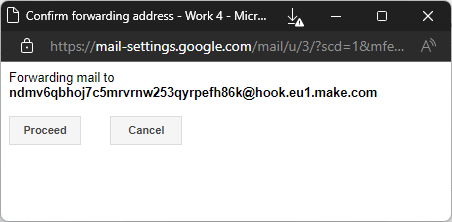
- Click Proceed
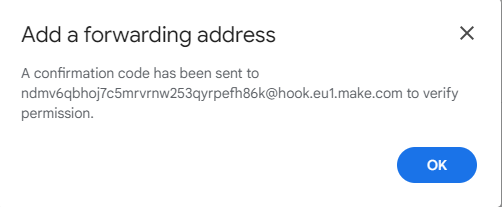
- [Gmail] Click OK
- [Gmail] Verify forwarding address - click Re-send email

- [Make] Copy confirmation code
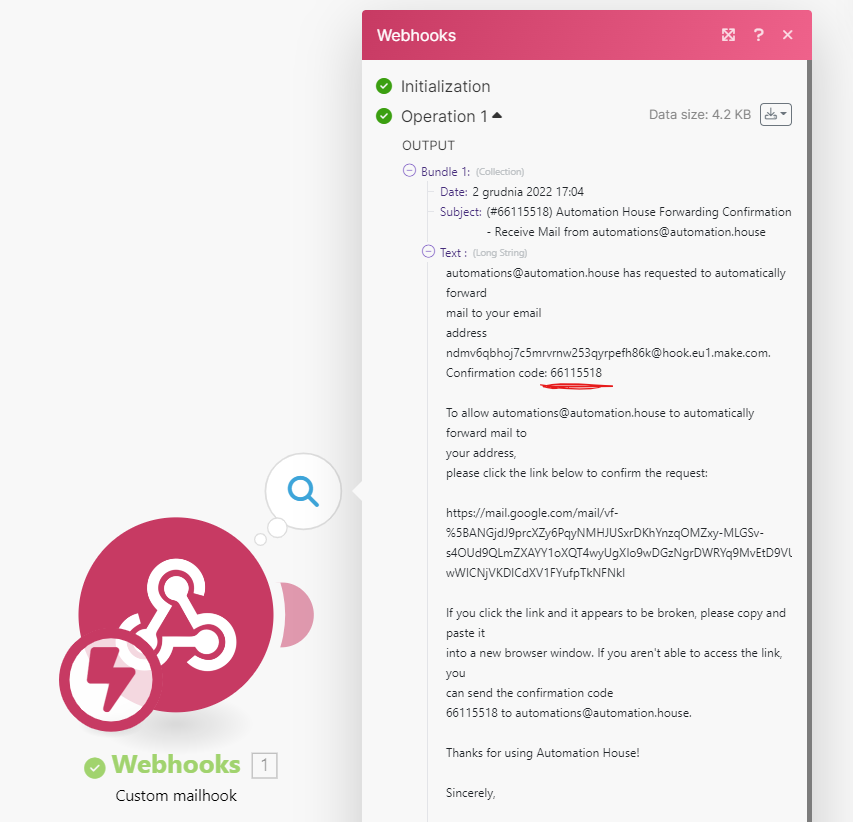
- Enter confirmation number and click Verify

- Create filter - click create a filter! link

- Add filters and click Create filter
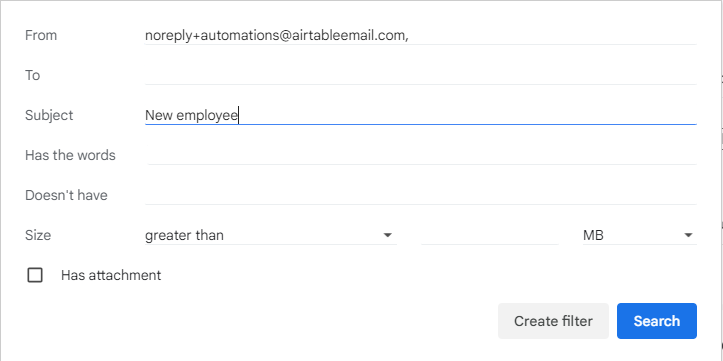
- Set action - check Forward it to and select forwarding address you added few steps earlier and click Create filter
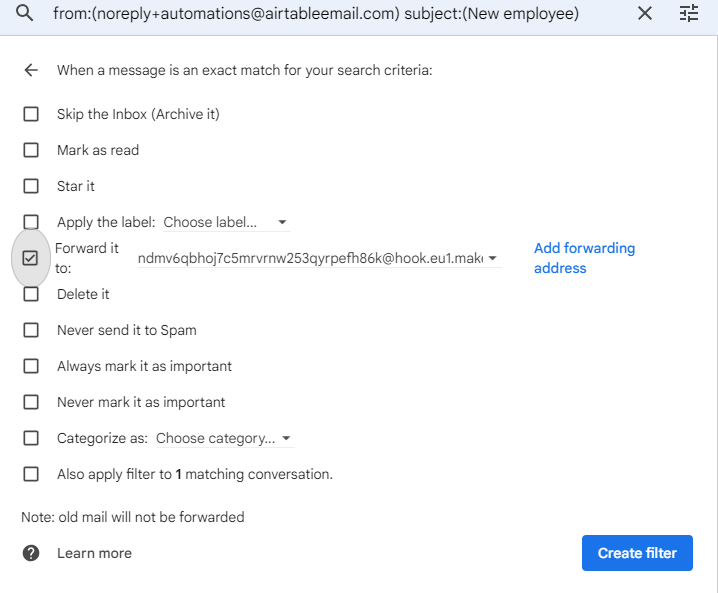
- The forwarding rule should show up on the Filters and Bloked Addresses
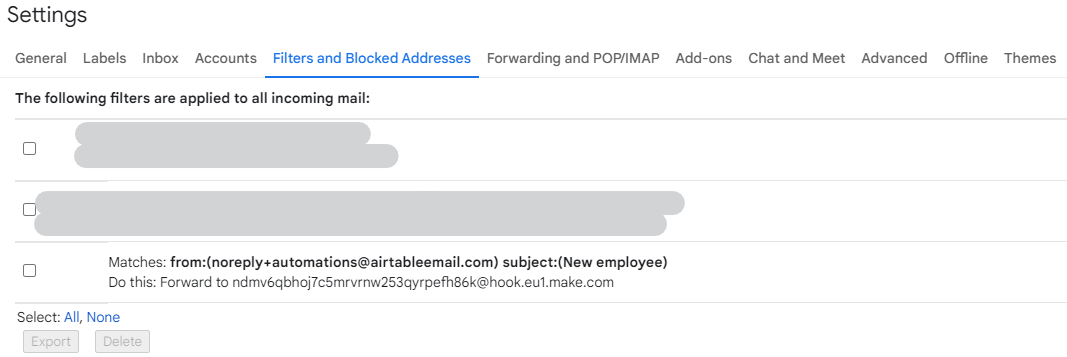
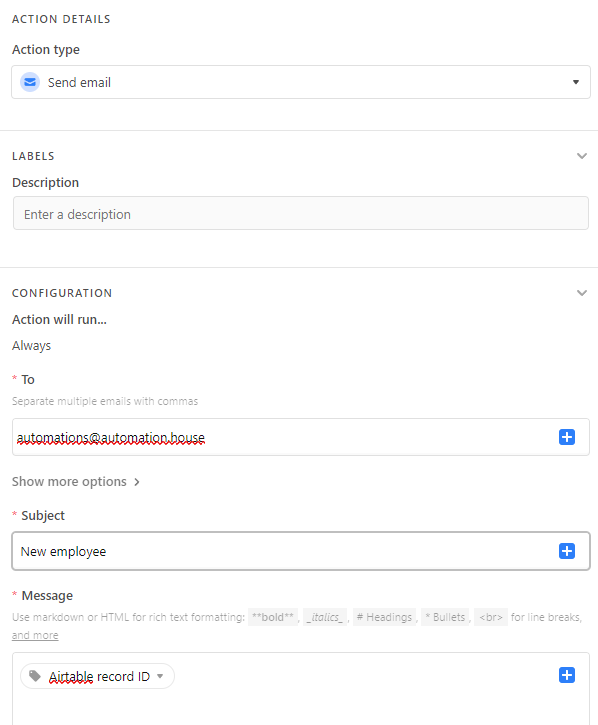
- Now you can create an automation in Airtable - add a trigger and add send email action and set the To, Subject and Message fields.
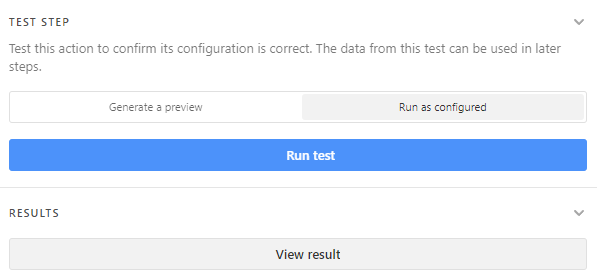
- Now you can test it in TEST STEP by clicking Run test
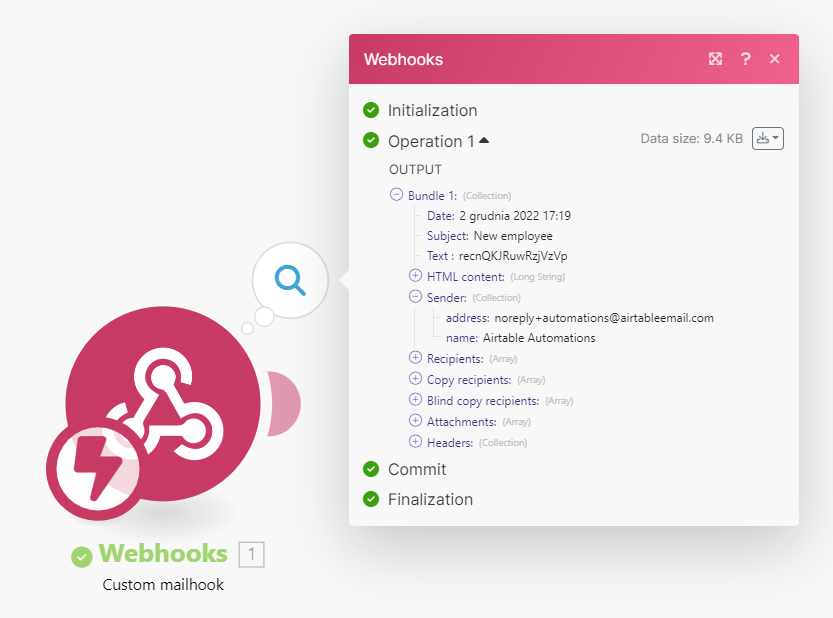
- You should receive the data in mailhook Make module
Video
Outcome:
You are able to receive instantly data from Airtable whenever specified trigger is hit.
📖Further reading
Template: knowledge_note_how_to