How to clean desktop on Windows
🗒️Task:
Clean desktop on Windows - get rid of icons and taskbar
🛠️Prerequisites (if applicable):
Windows 11 (i thing it will work the same on Windows 10).
📝Instructions:
Hide desktop icons
- Open desktop WIN + D (minimize all windows)
- Right click on wherever on desktop and open context menu:
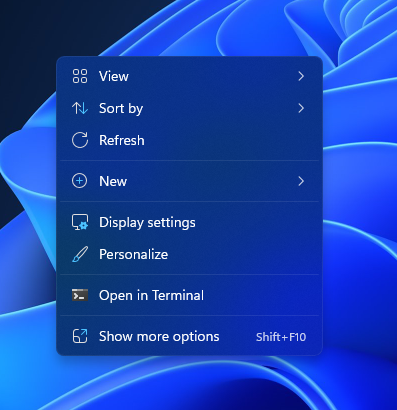
- Click View → Click Show desktop icons
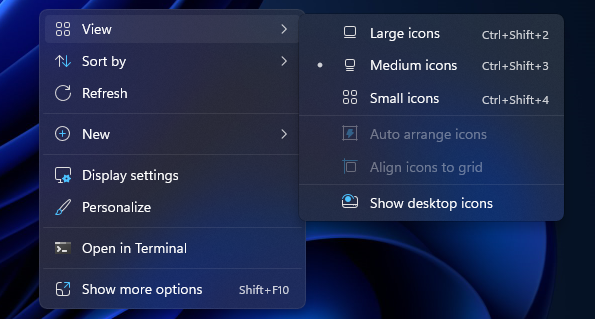
Automatically hide desktop taskbar
- Right Click on the taskbar and click on Taskbar settings
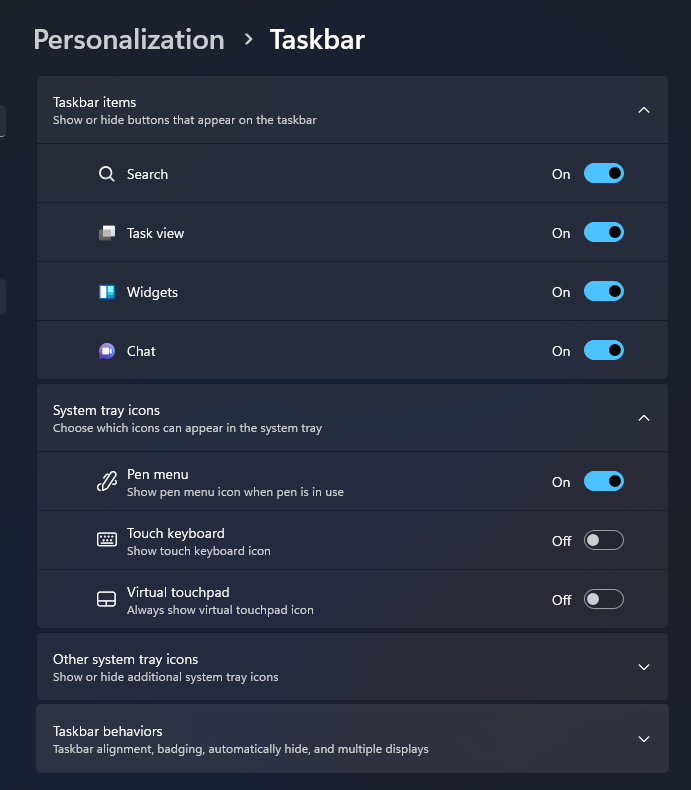
- Click on Taskbar behaviors
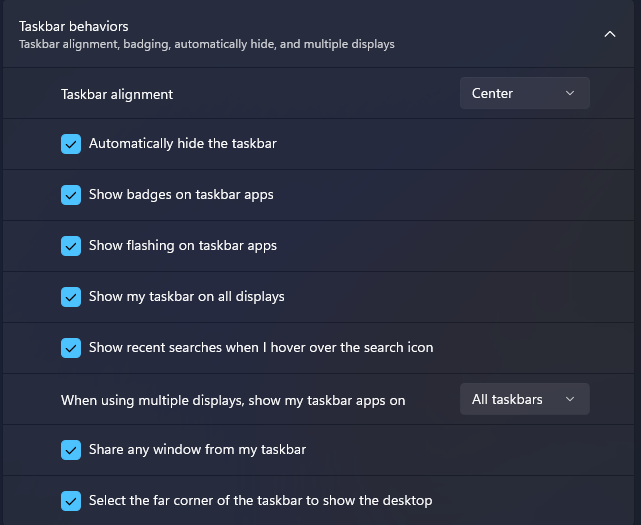
- Check Automatically hide the taskbar
Outcome:
You end up with clean desktop - one with nothing except your wallpaper.
📖Further reading
Template: knowledge_note_how_to